
Puppy Pal
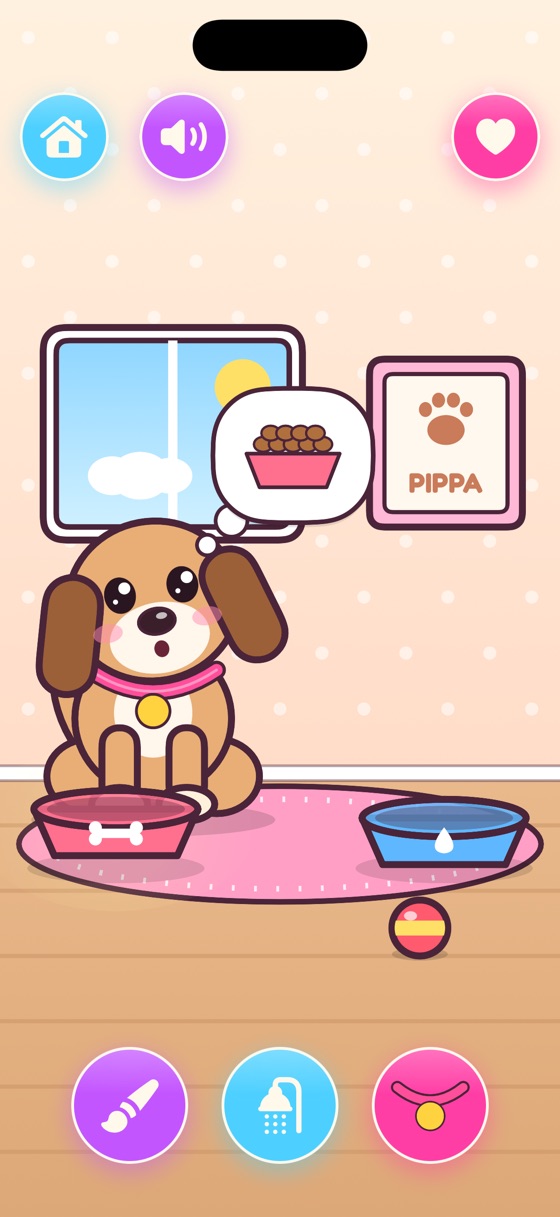
A thought bubble shows what the puppy wants. Feed it, fill its water, throw the ball, give cuddles, and give it a bath when it comes back muddy.
Six cozy pretend-play games for little hands, ages 3 to 7.
Download on theApp StoreSix little worlds, ready to play the moment they open.
A thought bubble shows what the puppy wants. Feed it, fill its water, throw the ball, give cuddles, and give it a bath when it comes back muddy.
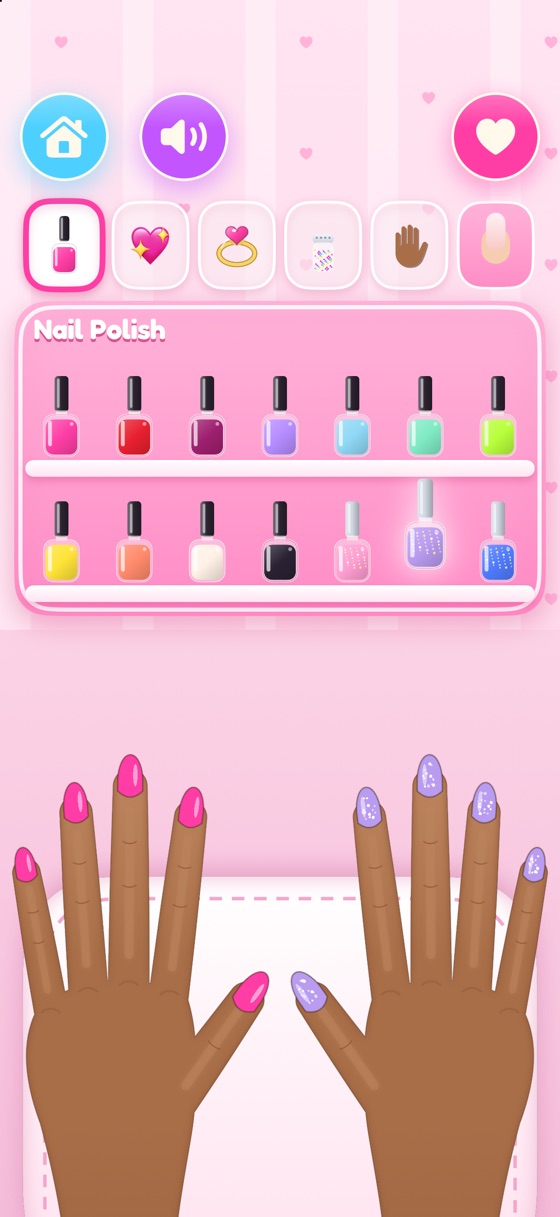
Pick a polish, glitter, a sticker, a gem or a ring, then tap a nail to make it sparkle. Short or long nails, and hands in six skin tones.
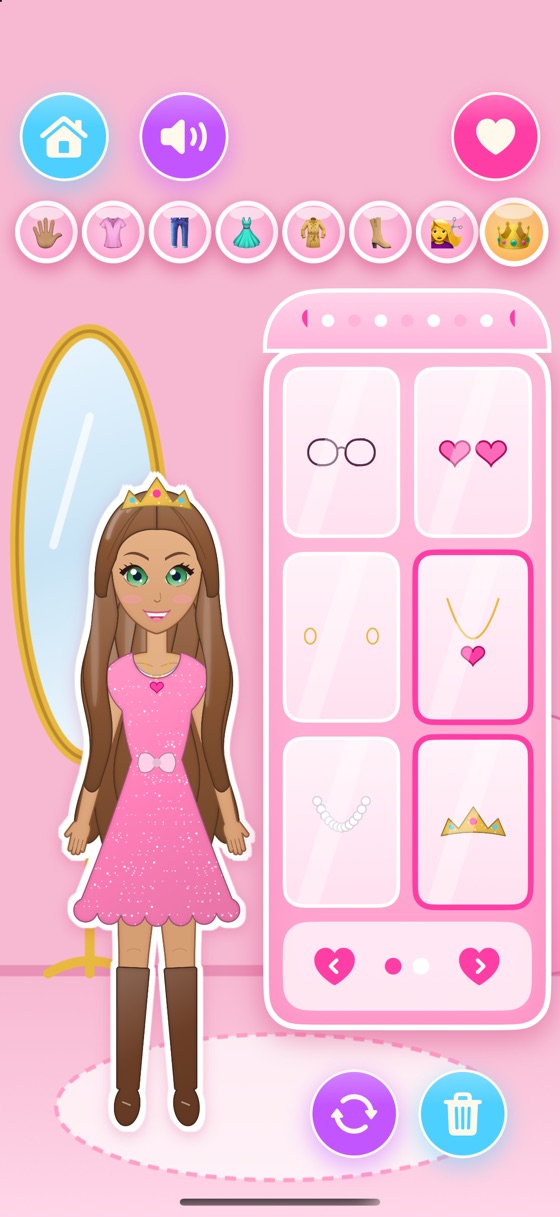
Choose her skin tone and eye colour, then mix and match tops, skirts, dresses, jackets, shoes, hairstyles and accessories.
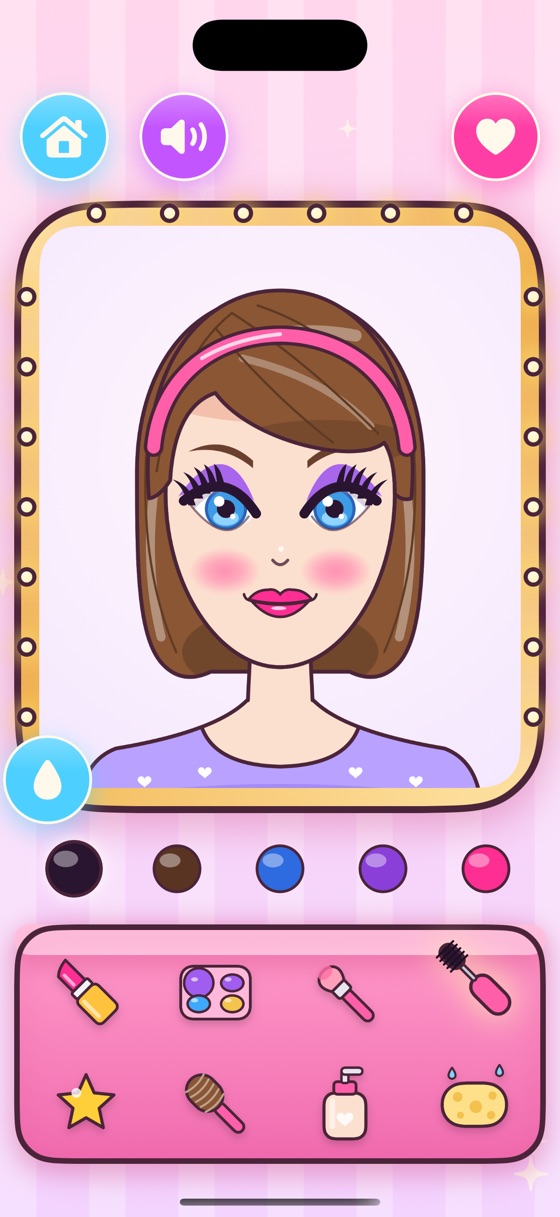
Rub on lipstick, eyeshadow and blush with a finger, brush on mascara, add sparkly gems, and change her hair colour and skin tone.
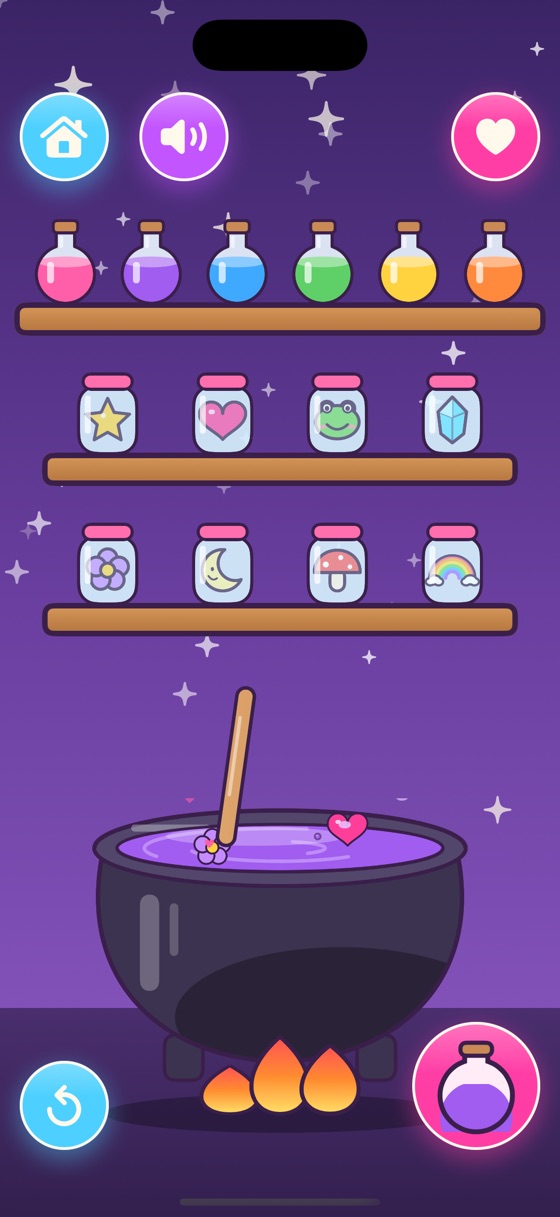
Drop colours and magic charms into the cauldron, stir, and bottle a potion with its very own name.
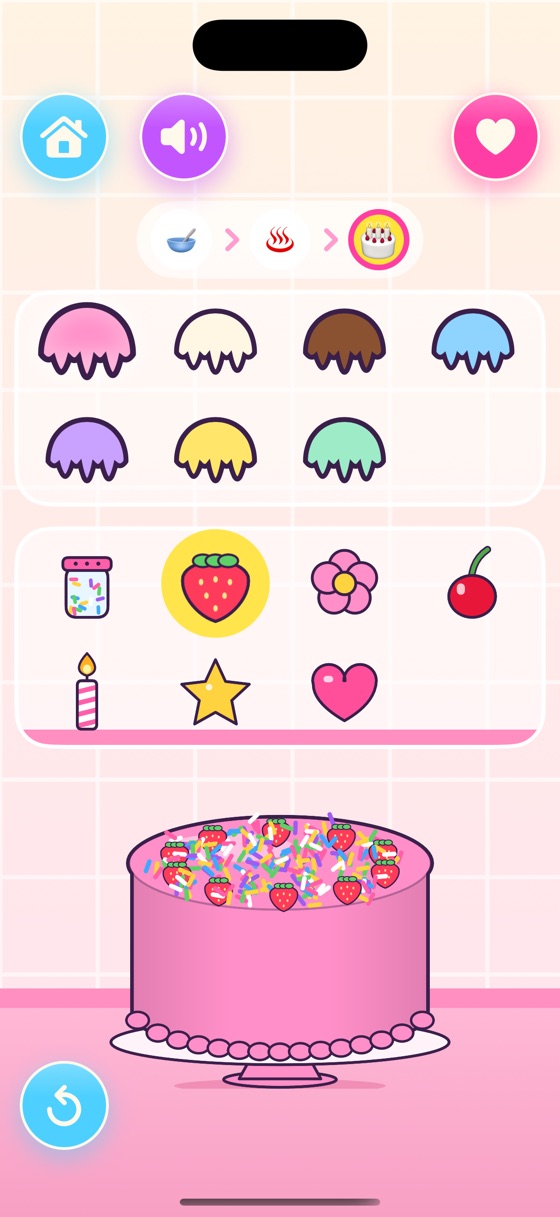
Mix the batter, bake it in the oven, then cover it in icing, sprinkles and toppings.
One download works on both. Big and bright on iPad, just right on iPhone.
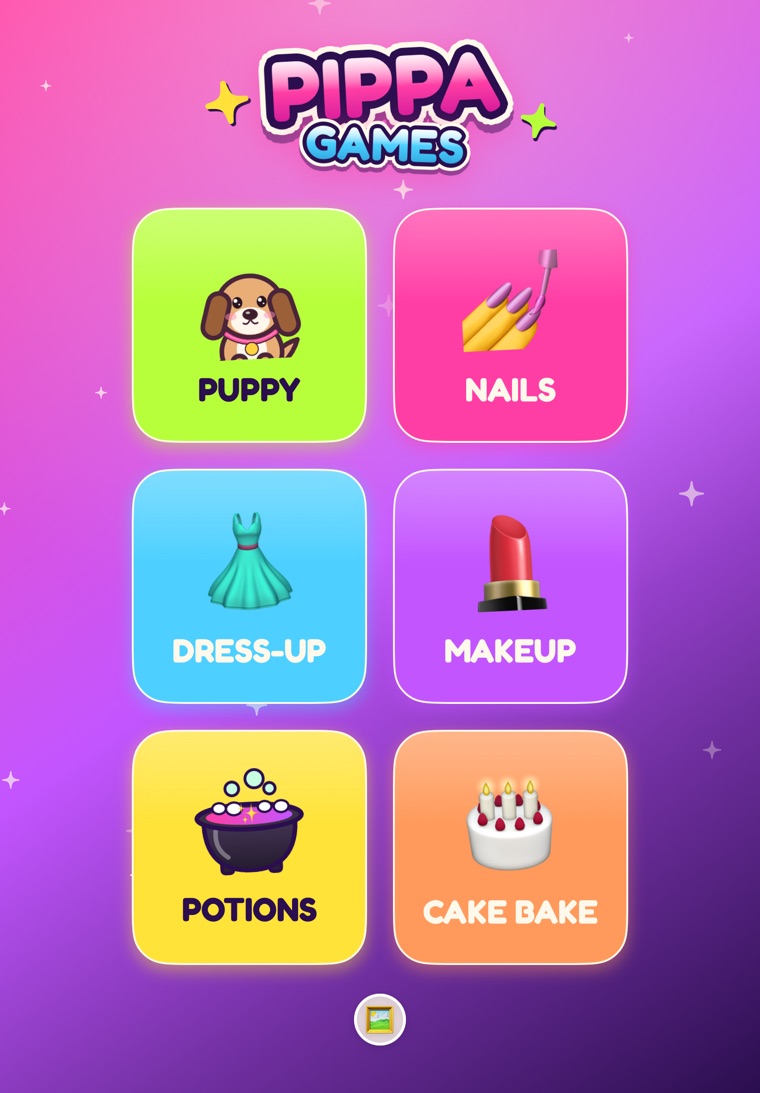
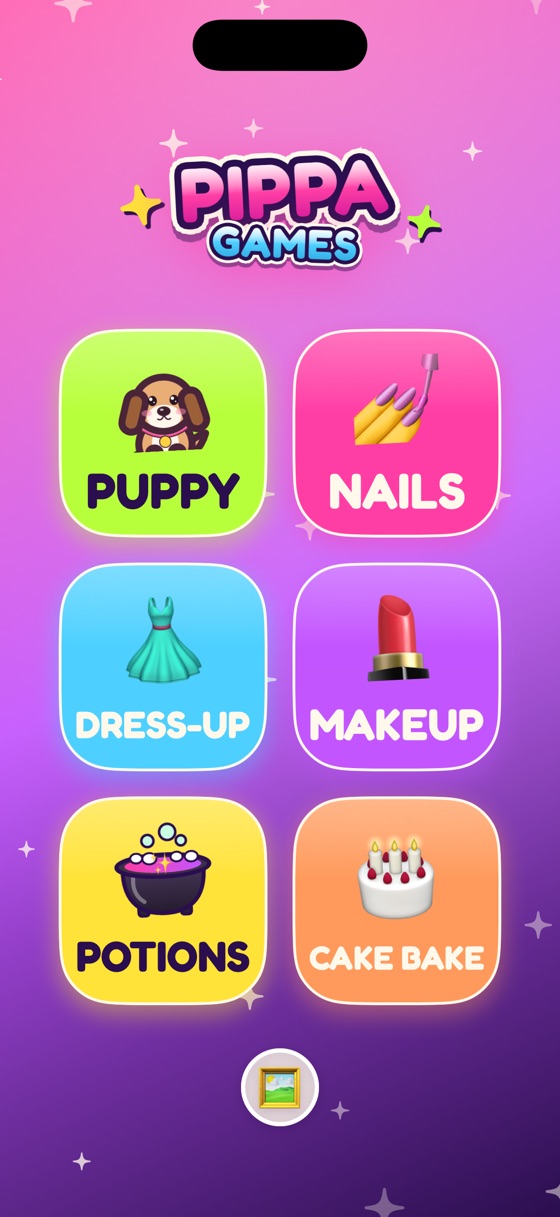
Designed for young children, with nothing for parents to worry about.
Quick answers. More on the support page.
On the home screen, press and hold the Pippa Games logo for three seconds. You can turn sound and music on or off, clear the gallery and see credits.
Tap the speaker button next to Home in any game. It remembers, so the sound stays off until you tap it again.
No. Everything works offline, so it's great for car rides and flights.
None at all. No ads, no in-app purchases, no subscriptions and no links out of the app.
Nothing. Saved pictures and settings stay on your device and are never sent anywhere. Read the privacy policy.
It's designed for about 3 to 7 years old. No reading is needed and there's no way to fail.
In the gallery, press and hold a picture, then tap the trash can twice.